How to Redeem Merge a Spinner Codes
Open the box, paste once, spend the reward before the boost timer dies.
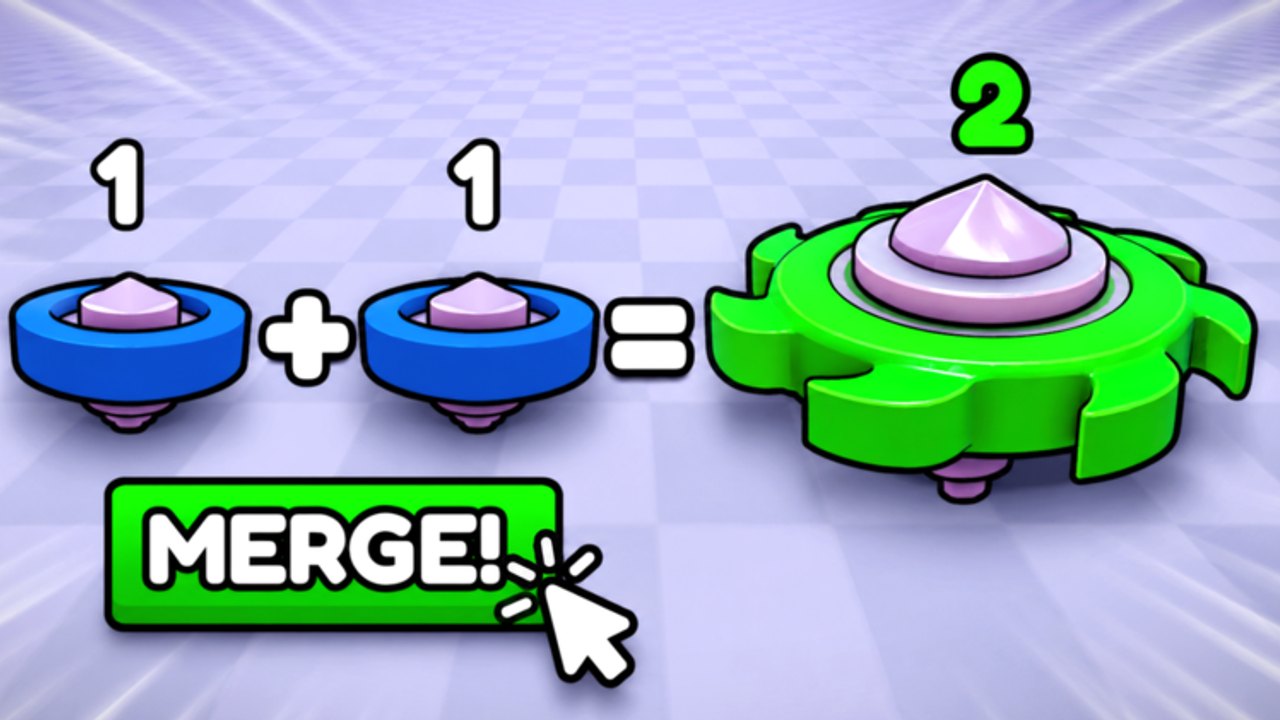
Redeeming a Merge a Spinner code is a thirty-second job once you know which button hides the box. New players lose drops because they hunt the chat bar, the Roblox settings menu, or a random Discord bot. The redeem field lives inside the experience. This page is the path you follow the moment a codes hub row turns from empty to active.
Before you paste anything
- Launch Merge a Spinner on Desktop, Mobile, or Console. The redeem UI is the same idea on all three; the tap targets are just smaller on a phone.
- Finish the tutorial prompts so the HUD is unlocked. Some tycoons hide shop buttons until you place the first spinner.
- Copy the code from this wiki or the group shout. Do not retype it from a compressed thumbnail.
- Stay on a stable plot. Teleporting mid-redeem can close the shop panel and eat the paste buffer on mobile.
Desktop and laptop
- Look along the left or right HUD for Shop, Twitter/X, Gift, or a ticket icon. Merge tycoons from this studio family almost always put codes inside Shop, then a Codes tab at the bottom of the list.
- Click the text box. Paste with Ctrl+V (Cmd+V on macOS).
- Press Redeem or Claim. Do not hit Enter in chat — that just broadcasts the code to the server.
- Watch for a toast: coins, a boost, or an error. If nothing appears, close and reopen Shop once; the remote sometimes drops the first fire on a laggy join.
Mobile
- Rotate to landscape if the Shop button sits under the joystick.
- Tap Shop, scroll to Codes, tap the field, and paste from the clipboard. iOS likes to add a trailing space — delete it.
- Codes are case-sensitive on most Flapjack titles.
Update1andUPDATE1are not the same string. - If the on-screen keyboard covers Redeem, dismiss it, then tap the button.
Console
Console cannot paste from a phone clipboard easily. Type slowly. If a code uses mixed case, hold the letter modifiers the same way you would in any Roblox text box. If typing is painful, redeem on mobile first; the reward is bound to the Roblox account, not the device.
What a successful redeem looks like
You should see coins jump, a boost icon appear near the currency, or an item land in inventory. Spend coins immediately on a second matching starter so you can merge, or on spawn tier if your board is already full. A 2x coin boost that ticks while you stand in the lobby is a dead boost.
If the reward is a raid ticket, do not burn it on a leaky lane. Read the raids guide and confirm your highest spinner can hold the entry wave.
Errors that look like a dead code
| Message or symptom | Likely cause | Fix |
|---|---|---|
| Invalid / doesn’t exist | Typo, extra space, wrong game | Paste again from the codes list |
| Already redeemed | You used it on this account | Stop retrying; it will not pay twice |
| Expired | Drop closed | Wait for the next update |
| Nothing happens | Shop remote dropped | Rejoin, reopen Shop, redeem once |
| Kicked or blank screen | You pasted into a phishing site | Close it. Codes only go in-game |
A code can also fail because you are on a VIP or private server with an old snapshot. Rejoin a public instance and try once more.
After you redeem
- Check group rewards so you are not missing a permanent like bonus on top of the code.
- If the payout is large, open the merge planner and see whether you can skip a painful mid-tier grind.
- Do not rebirth in the middle of a timed boost. Finish the boost, then follow the rebirth checklist.
Keep this page bookmarked. When a real string finally lands on the codes hub, you should be pasting in under a minute, not learning the Shop layout while the drop expires.
Frequently Asked Questions
Quick answers for Merge a Spinner on Roblox.
Where is the codes button in Merge a Spinner?
Inside the experience, usually under Shop or a gift/ticket icon. It is never the Roblox website settings menu.
Can I redeem on mobile and play on PC?
Yes. Rewards bind to the Roblox account. Redeem wherever paste is easiest.
The code worked for my friend but not me.
You may have already redeemed it, joined an old server, or hit an expired drop. Rejoin public and try once.
Should I share a working code in chat?
Better to point people at the codes hub. Chat spam gets the drop throttled or expired faster.