Merge a Spinner Controls
Desktop, phone, and console share one plot. The prompts do not share one layout.
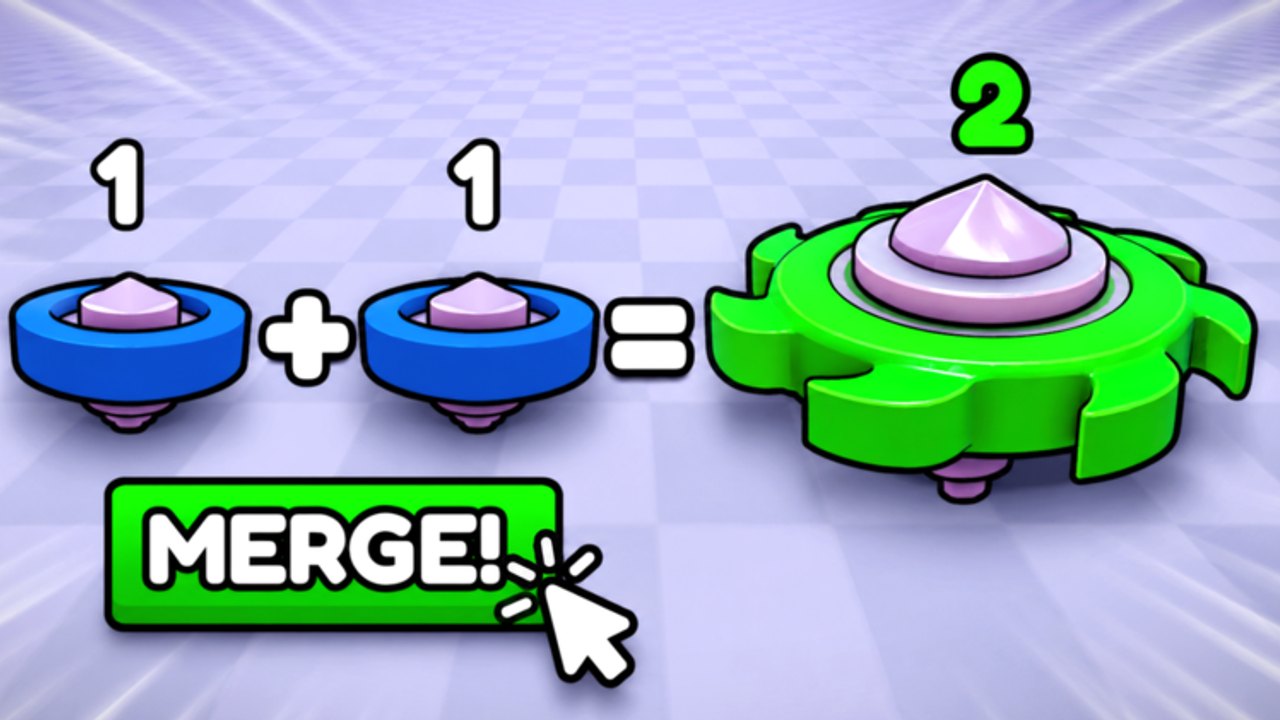
Merge a Spinner supports Desktop, Mobile, and Console on the same Roblox account. The plot is identical. The fingers are not. Most “the shop is broken” reports are a hidden HUD, a missed proximity prompt, or a camera staring at the sky. This page is the device map.
If you have not joined yet, use the getting started guide after you can actually click Shop.
Desktop (keyboard and mouse)
- WASD or arrow keys move your avatar around the plot.
- Mouse looks. Right mouse (or the usual Roblox RMB) drags the camera if shift-lock is off.
- E or the on-screen prompt key fires ProximityPrompts on shop pads, rebirth pads, and claim boards.
- Left click selects a spinner to drag into its pair when the merge is a world pickup rather than a GUI button.
- Left HUD / right HUD holds Shop, Rebirth, Raid, and sometimes Codes. If you see nothing, press the Roblox menu, then click back into the game so the custom GUI reloads.
Shift-lock helps when you are lining up two tops. It also makes mobile players jealous. Do not stand inside a spinner while merging; the prompt will target the top instead of the pad.
Mobile
- Left thumb: joystick. Right thumb: camera drag on empty space.
- Jump button is rarely needed. If you infinite-jump by accident, you walked off the plot — walk back.
- Shop and Codes live on the left stack. Rotate to landscape so the joystick does not cover them.
- Tap a spinner, then tap its match, or drag if the experience uses drag-merge. The official art even draws a giant mouse cursor on a blue starter; on a phone that cursor is your finger.
- Paste codes from the clipboard. Delete the extra space iOS adds. Full steps sit on how to redeem.
If a prompt never appears, you are too far from the pad. Walk closer. Community scripts include Instant ProximityPrompt because the default distance is fussy. You can also just walk closer.
Console
- Left stick move, right stick camera.
- The action button (A on Xbox, Cross on PlayStation) fires prompts.
- Open Shop with the on-screen button highlighted by the cursor. Console cursor mode is slow; stand still before you open it.
- Typing codes is painful. Redeem on mobile, then continue on console. Rewards bind to the account.
Camera and HUD failures
Black screen on join: wait for streaming, then rotate the camera down at the green lane. The plot is below you more often than you think.
No Shop button: tutorial not finished, or GUI scale on a tiny phone. Finish prompts, set graphics a notch lower, rejoin.
Cannot merge: you are selecting two different tiers. The merge guide is the rule; this page is the click.
Prompt eats the raid button: you are standing on a pad. Step back, then use the HUD raid control described in the raids guide.
Quality-of-life that is not a script
Pin the camera to the lane during waves so you see leaks. Zoom out before a rebirth so the confirm modal is not off-screen. On mobile, lock rotation to landscape for any session longer than a code paste.
If you still cannot touch a control, the players hub is the place to compare with other people on the same patch, and the updates page is the place to check whether Flapjack moved the HUD yesterday.
Frequently Asked Questions
Quick answers for Merge a Spinner on Roblox.
What key opens Shop?
There is no default Roblox key. Use the on-screen Shop button or walk to the shop pad and press the prompt key (E on PC).
Why is there no Codes button on console?
The tab is inside Shop. If typing is awful, redeem on a phone, then play on console.
Drag-merge does not work on mobile.
Try tap-select both tops, or walk them together if the update uses world merge. See how to merge.
My HUD vanished after a resize.
Rejoin. Custom GUIs sometimes fail to rescale. Lower graphics if it keeps happening.